thinkorswim Tutorials
Learn how to use the suite of thinkorswim trading platforms.
Getting started with thinkorswim
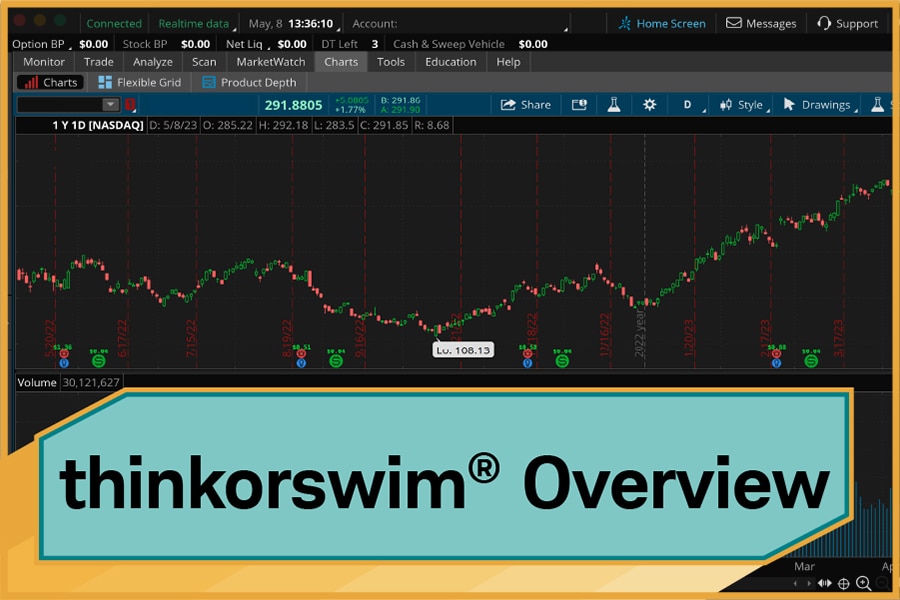
Intro to thinkorswim® Desktop
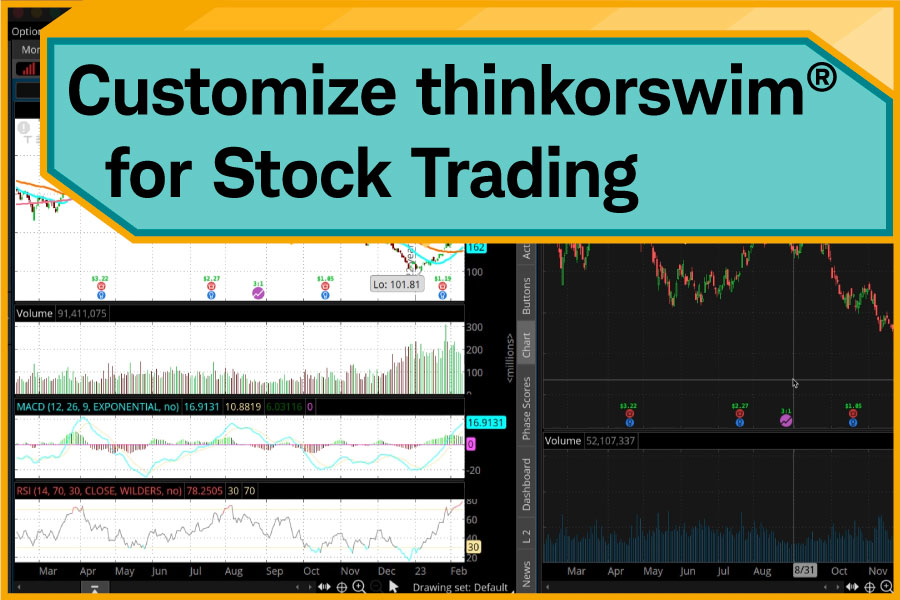
Set Up thinkorswim® for Stocks

Set Up thinkorswim® for Options
Top thinkorswim desktop tutorials
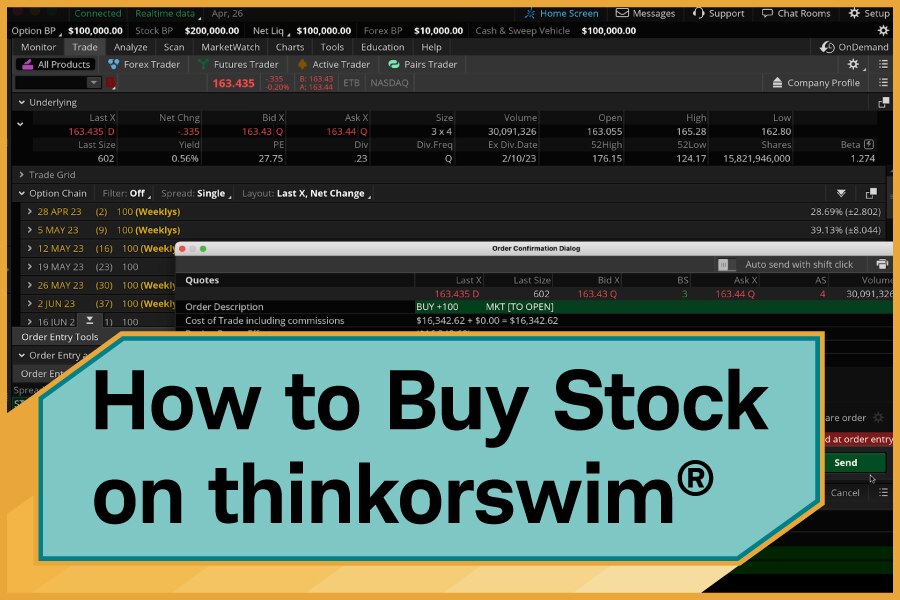
Buy Stocks on thinkorswim®
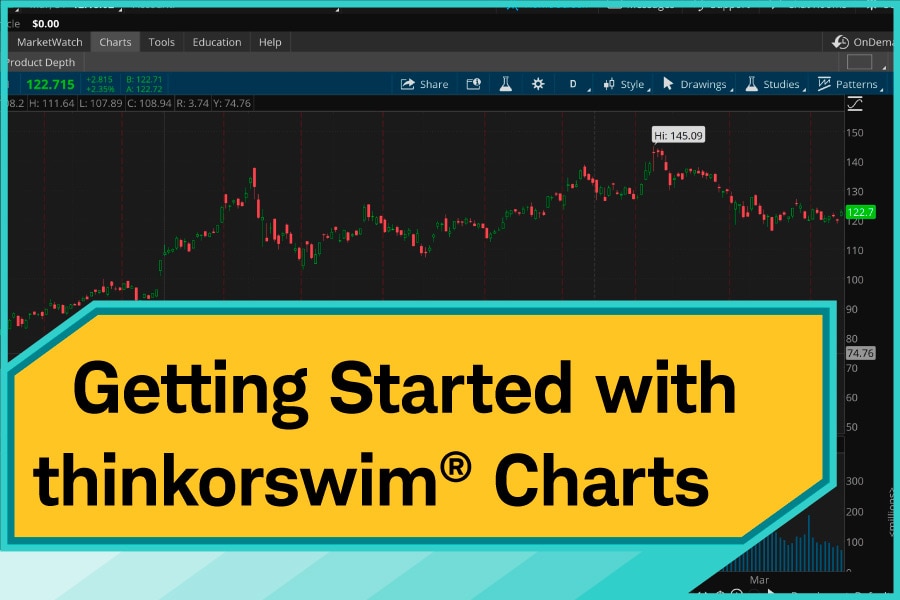
thinkorswim® Charts
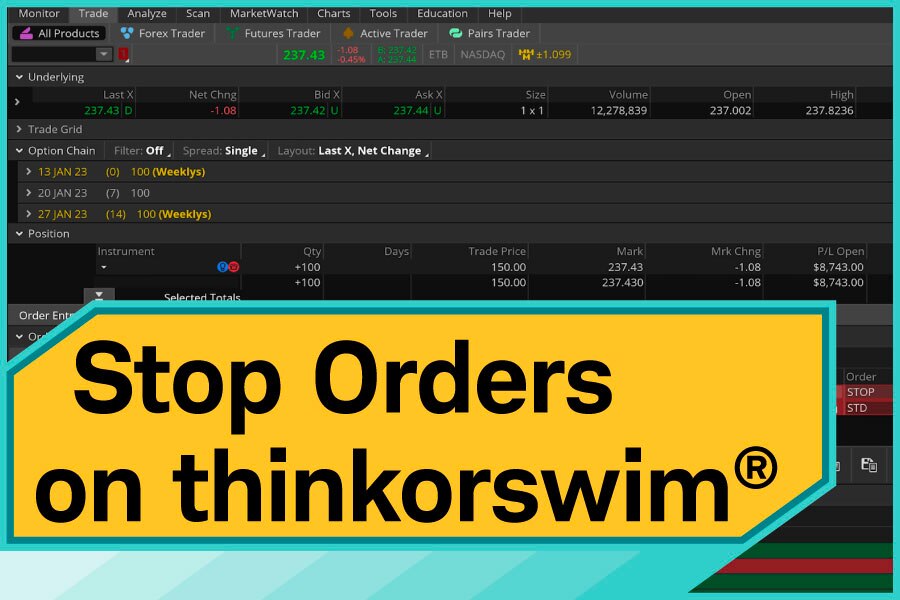
Stop Orders on thinkorswim®
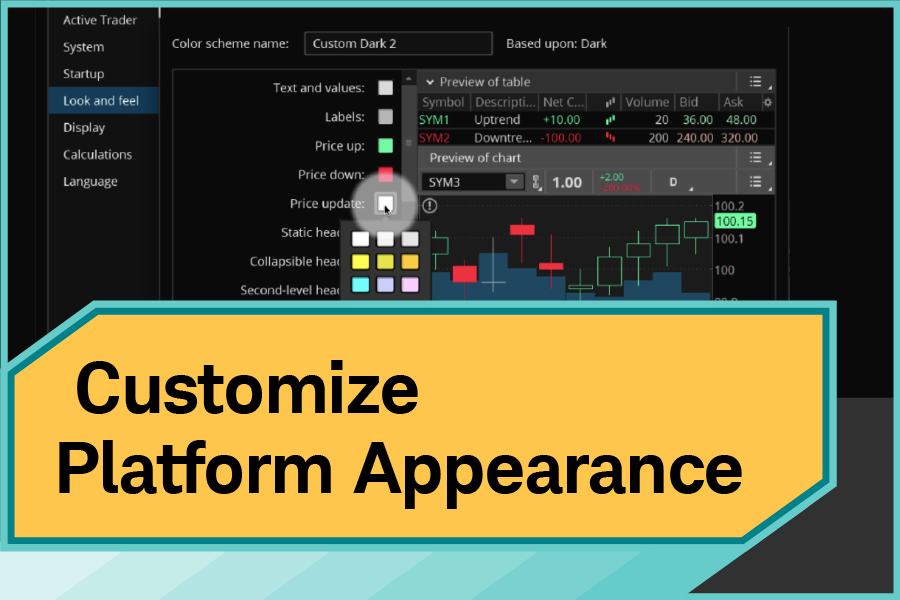
Customize Platform Appearance
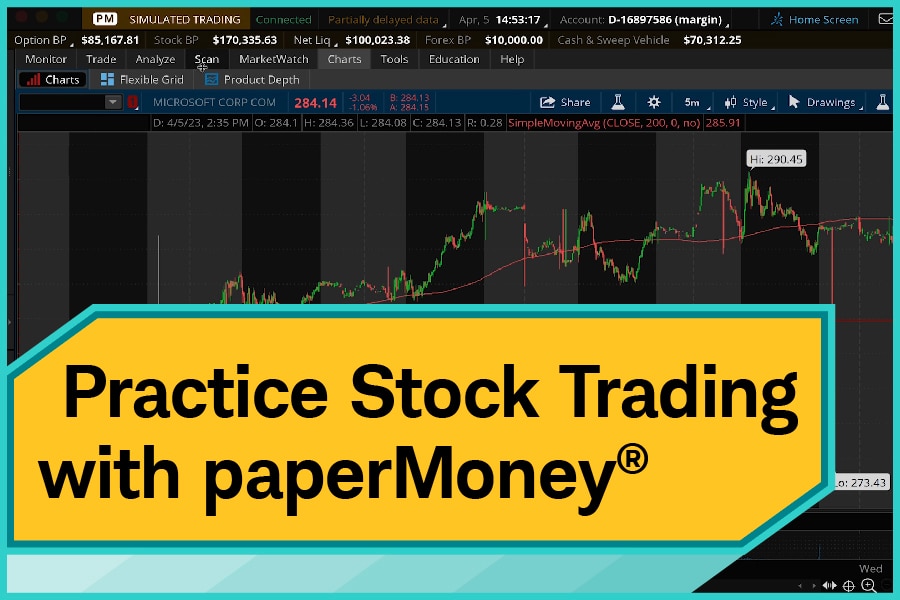
Stock Trading on paperMoney®
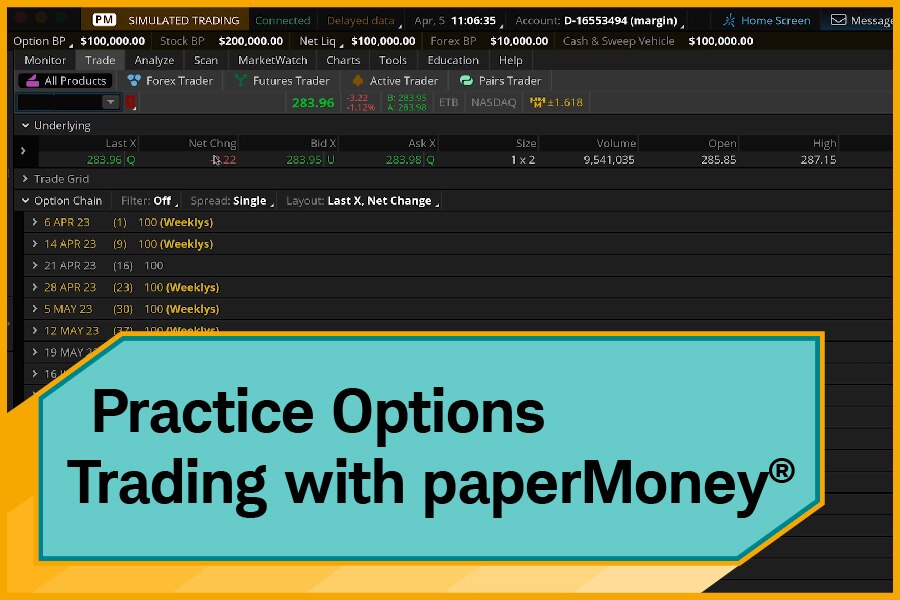
paperMoney® Options Tutorial
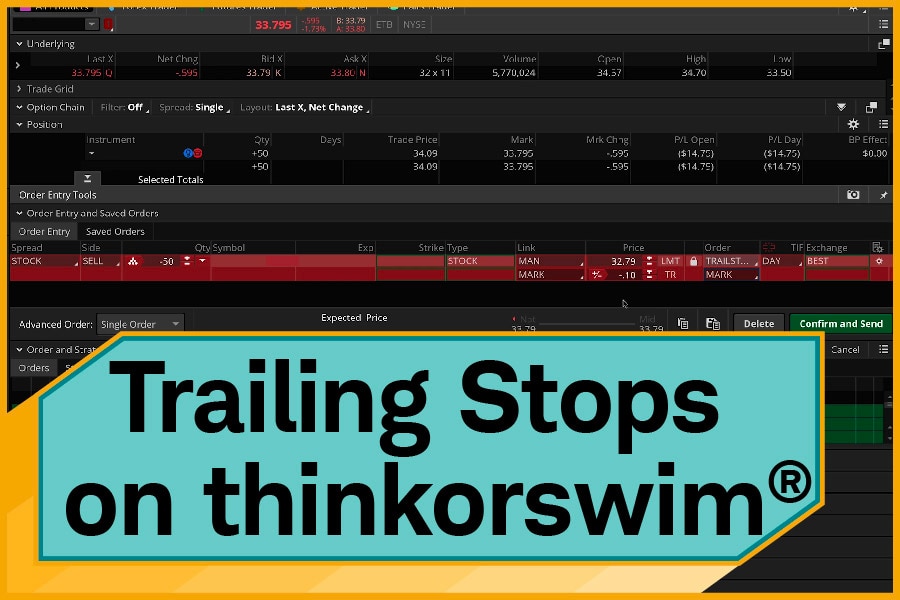
Trailing Stop Orders
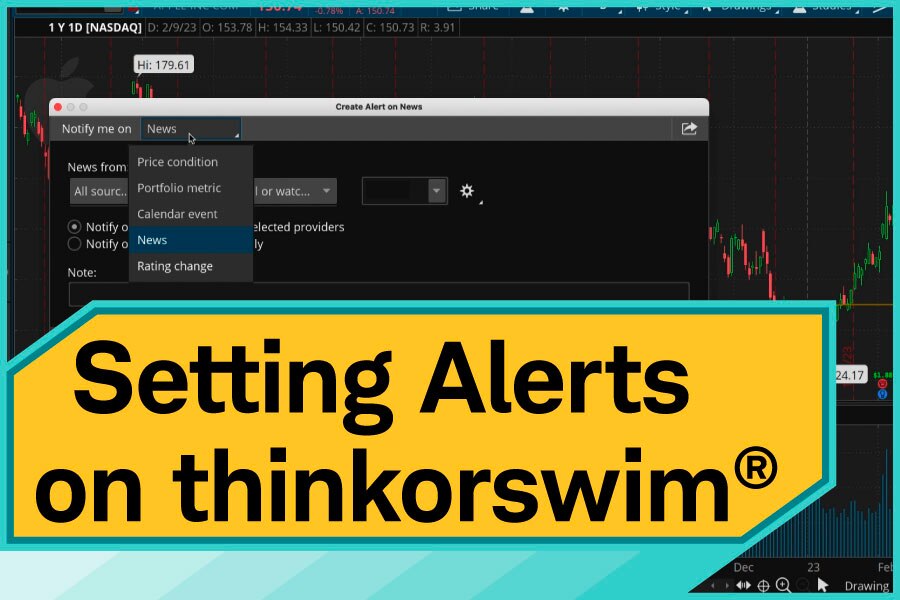
Alerts on thinkorswim®
Spread Orders on thinkorswim®
Make thinkorswim your own
Customize Platform Appearance

Second Monitor on thinkorswim
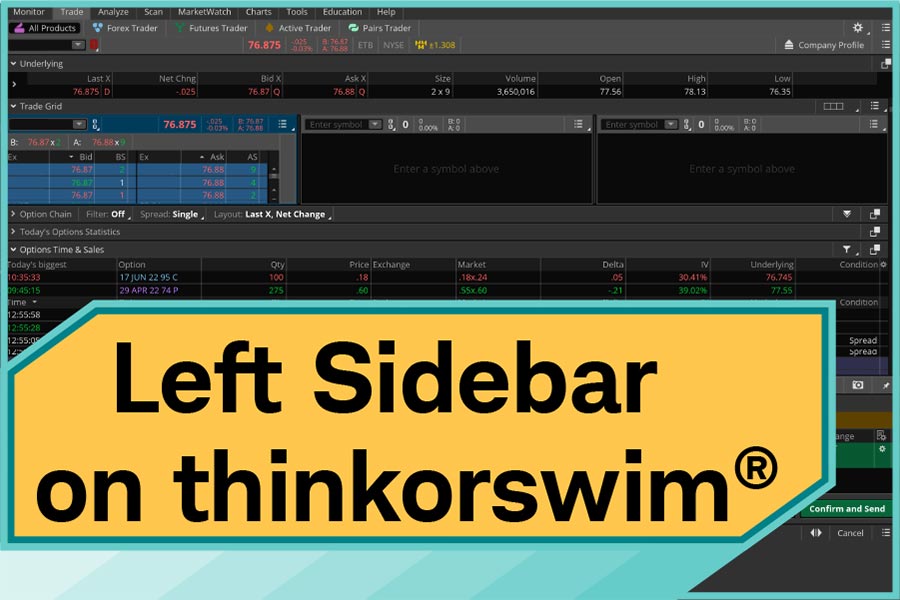
Sidebar on thinkorswim®
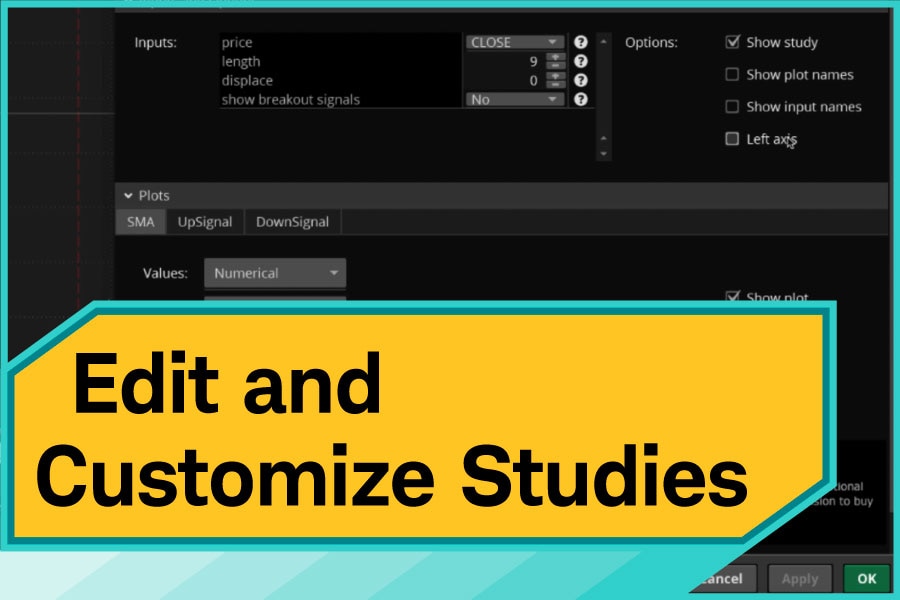
Edit Studies on thinkorswim®
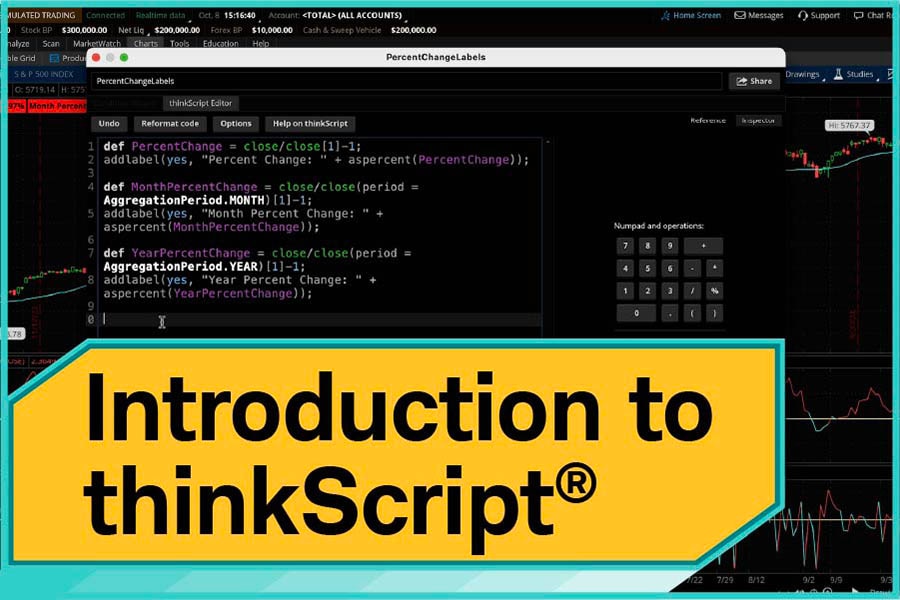
Introduction to thinkScript
Top thinkorswim web tutorials
thinkorswim® Web Overview
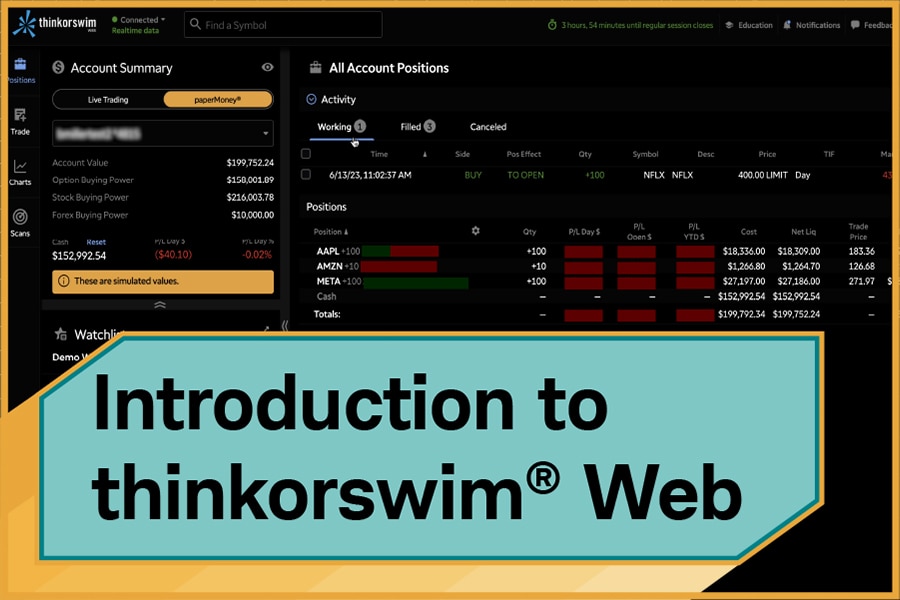
Options on thinkorswim® Web
Top thinkorswim mobile tutorials
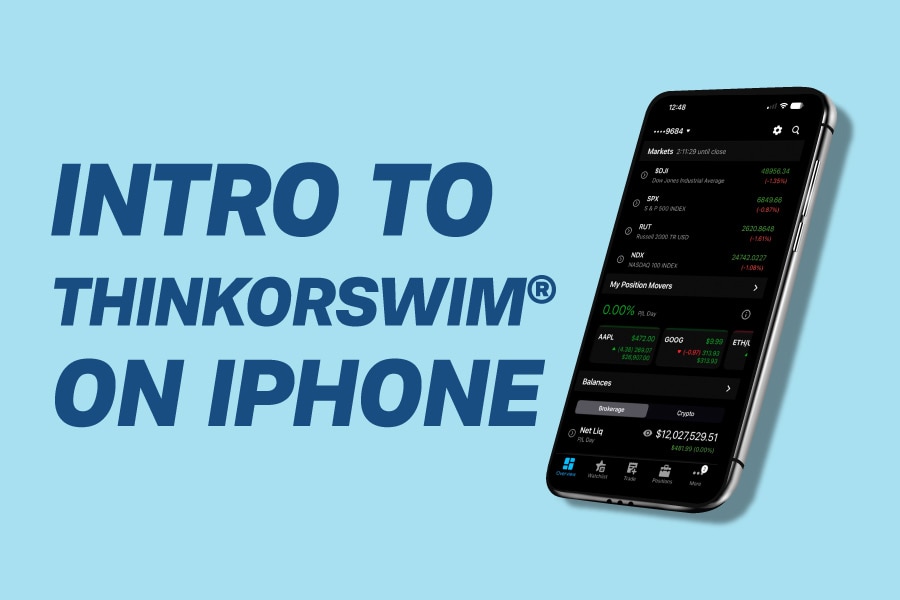
thinkorswim® iOS

thinkorswim® Android

Buy Stock—thinkorswim® iPad

Futures on thinkorswim® iPhone

Single Options —thinkorswim® iPad
Explore more topics
The information provided here is for general informational purposes only and should not be considered an individualized recommendation or personalized investment advice. The investment strategies mentioned here may not be suitable for everyone. Each investor needs to review an investment strategy for his or her own particular situation before making any investment decision. All expressions of opinion are subject to change without notice in reaction to shifting market conditions. Data contained herein from third-party providers is obtained from what are considered reliable sources. However, its accuracy, completeness, or reliability cannot be guaranteed. Examples provided are for illustrative purposes only and not intended to be reflective of results you can expect to achieve.
Options carry a high level of risk and are not suitable for all investors. Certain requirements must be met to trade options through Schwab. Please read the Options Disclosure Document titled "Characteristics and Risks of Standardized Options" before considering any option transaction.
Investing involves risks, including loss of principal. Hedging and protective strategies generally involve additional costs and do not assure a profit or guarantee against loss. With long options, investors may lose 100% of funds invested. Spread trading must be done in a margin account. Multiple leg options strategies will involve multiple transaction costs. Covered calls limit the upside potential of the underlying stock, as the stock would likely be called away in the event of substantial price increase. Downside protection is limited to the premium received.
Futures and futures options trading involves substantial risk and is not suitable for all investors. Please read the Risk Disclosure Statement for Futures and Options prior to trading futures products. Charles Schwab Futures and Forex LLC is a CFTC-registered Futures Commission Merchant and NFA Forex Dealer Member. Charles Schwab Futures and Forex LLC (NFA Member) and Charles Schwab & Co., Inc. (Member FINRA/SIPC) are separate but affiliated companies and subsidiaries of The Charles Schwab Corporation.